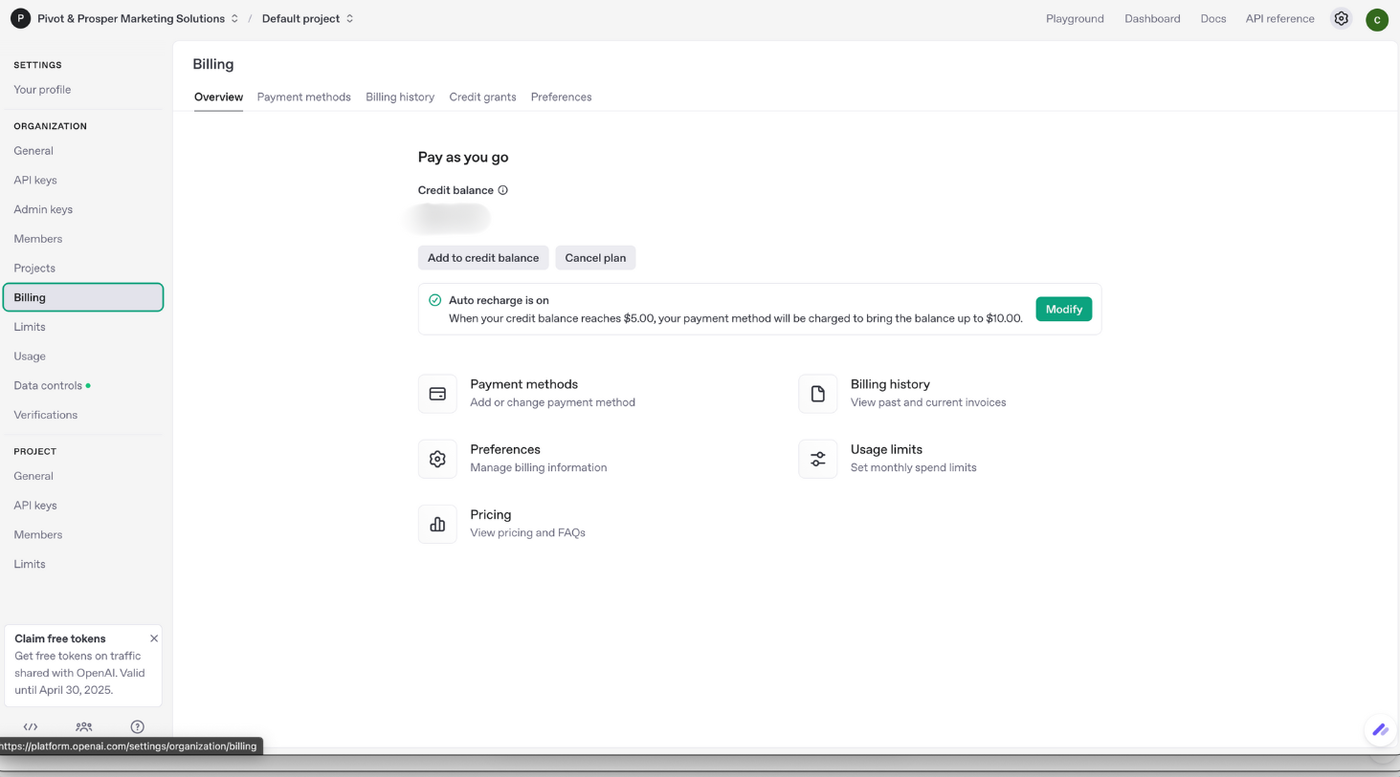

Visit: https://platform.openai.com/api-keys
Here you will see a list of your API Keys if you have created them in the past.
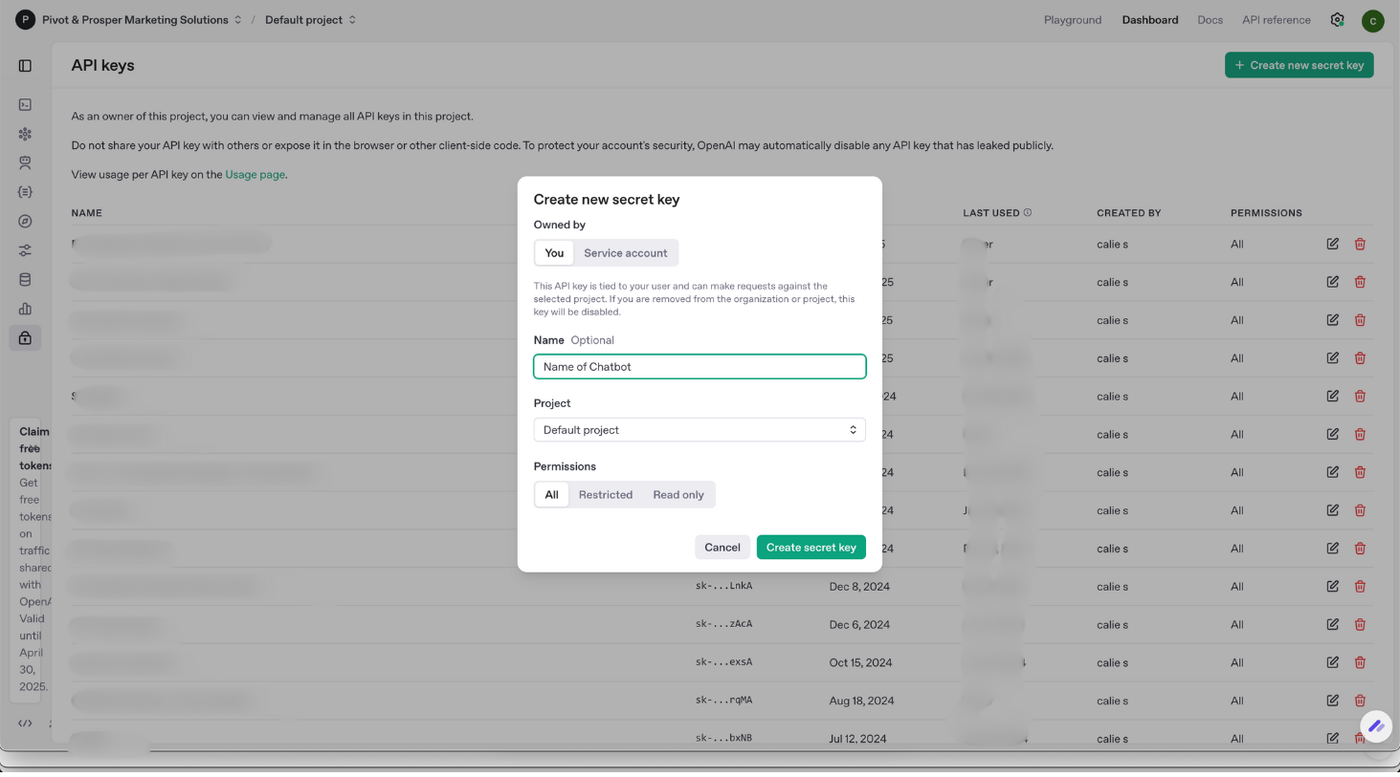
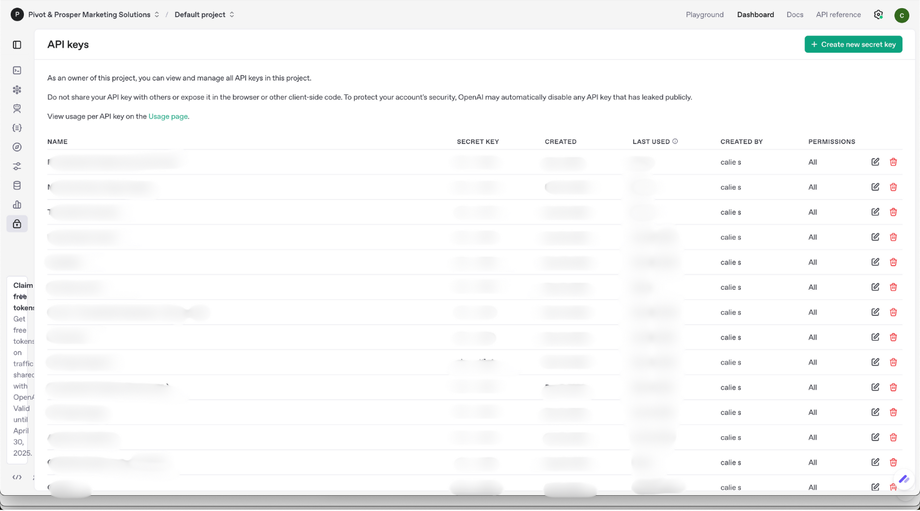 Step 2: Click Create new secret key (Green button)
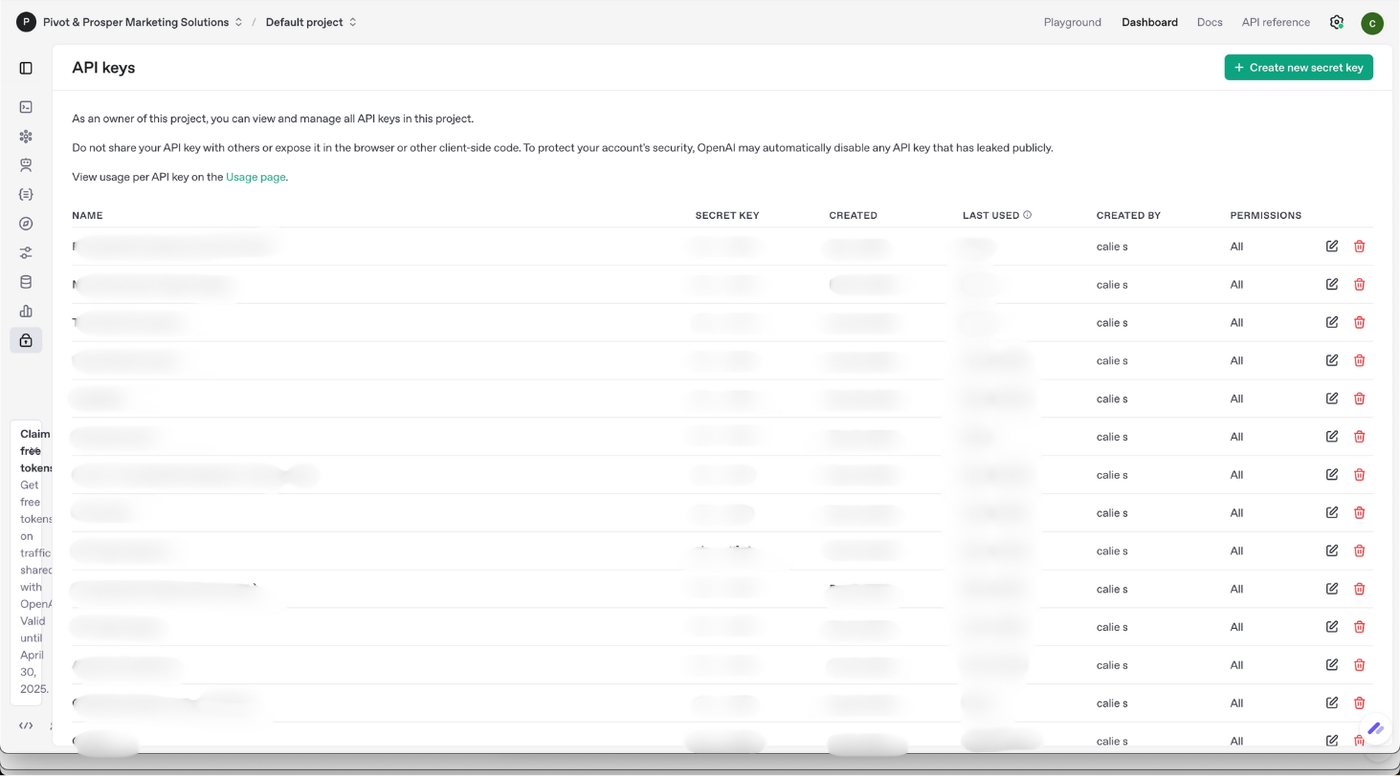
Name it the name of your chatbot so you don't get your API keys mixed up. Click Create secret key
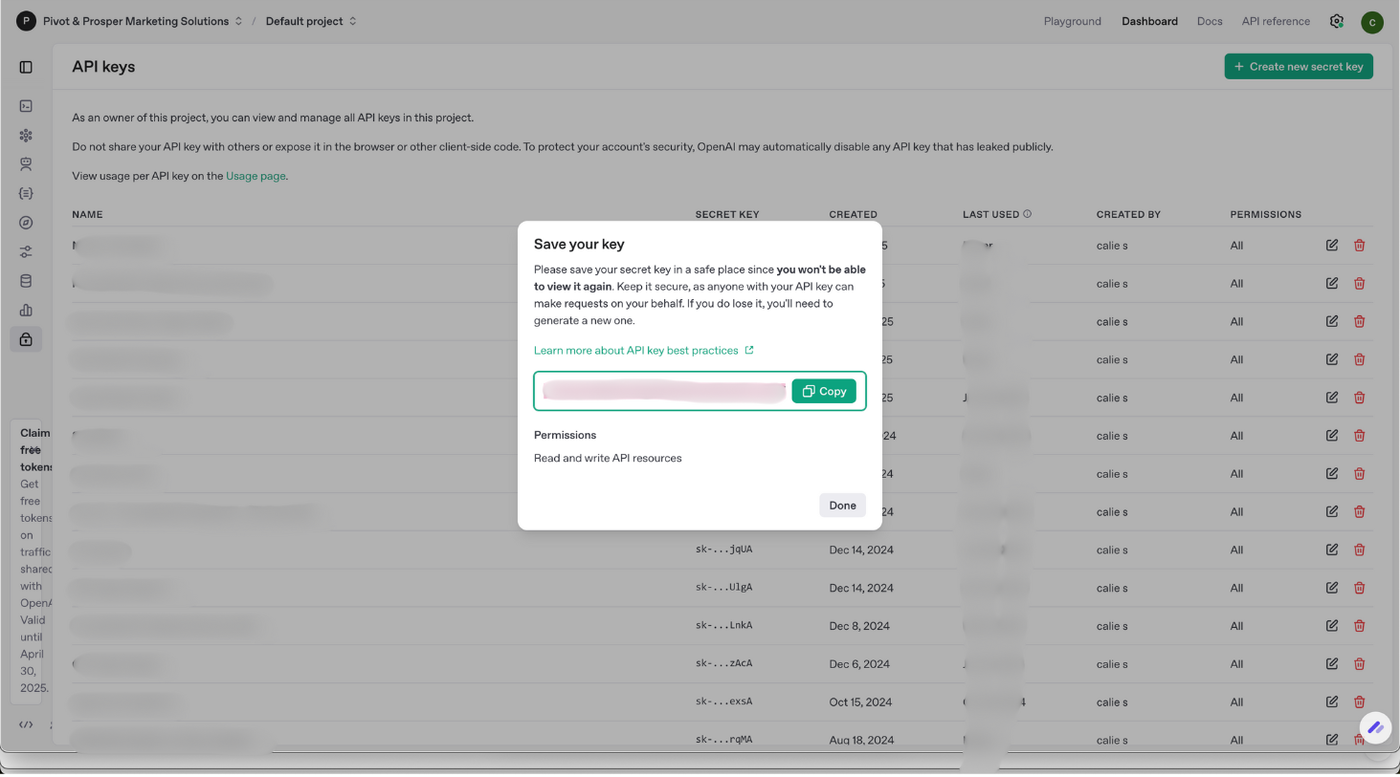
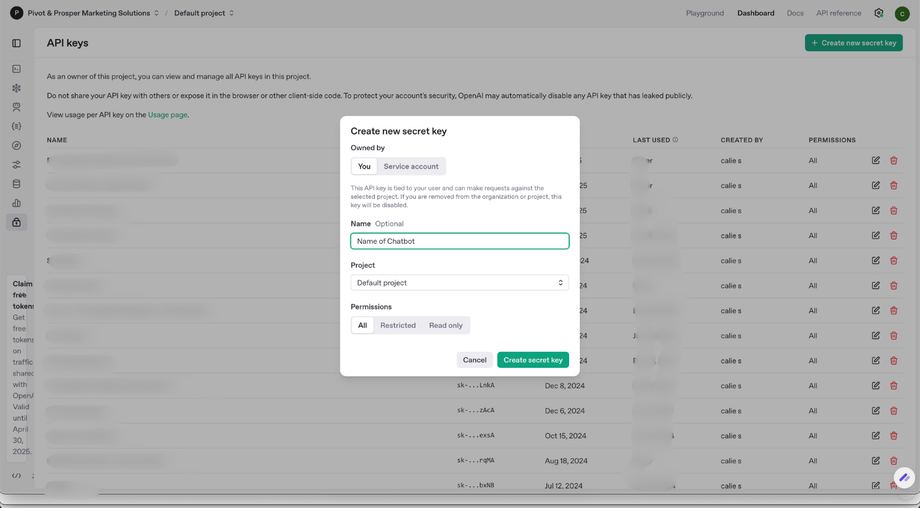 Step 3: Your API Key will appear here.
Click Copy and Done. You will not be able to come back to this. If you accidentally lose the key, delete it and make a new one.
Now, go back to PromptHerAI and add it to your Profile. (See next article here)
Step 4: Don’t Forget to Fund Your OpenAI Account!
To use your own OpenAI API key with PerksPro+, you’ll need to add funds to your OpenAI billing account. This ensures your bots stay active and can respond to users.
🔐 How to Add Funds:
-
Visit your OpenAI API Keys
-
Add at least $5–$10 to start
-
You’re good to go — the usage cost will be deducted automatically based on the model and number of tokens used