

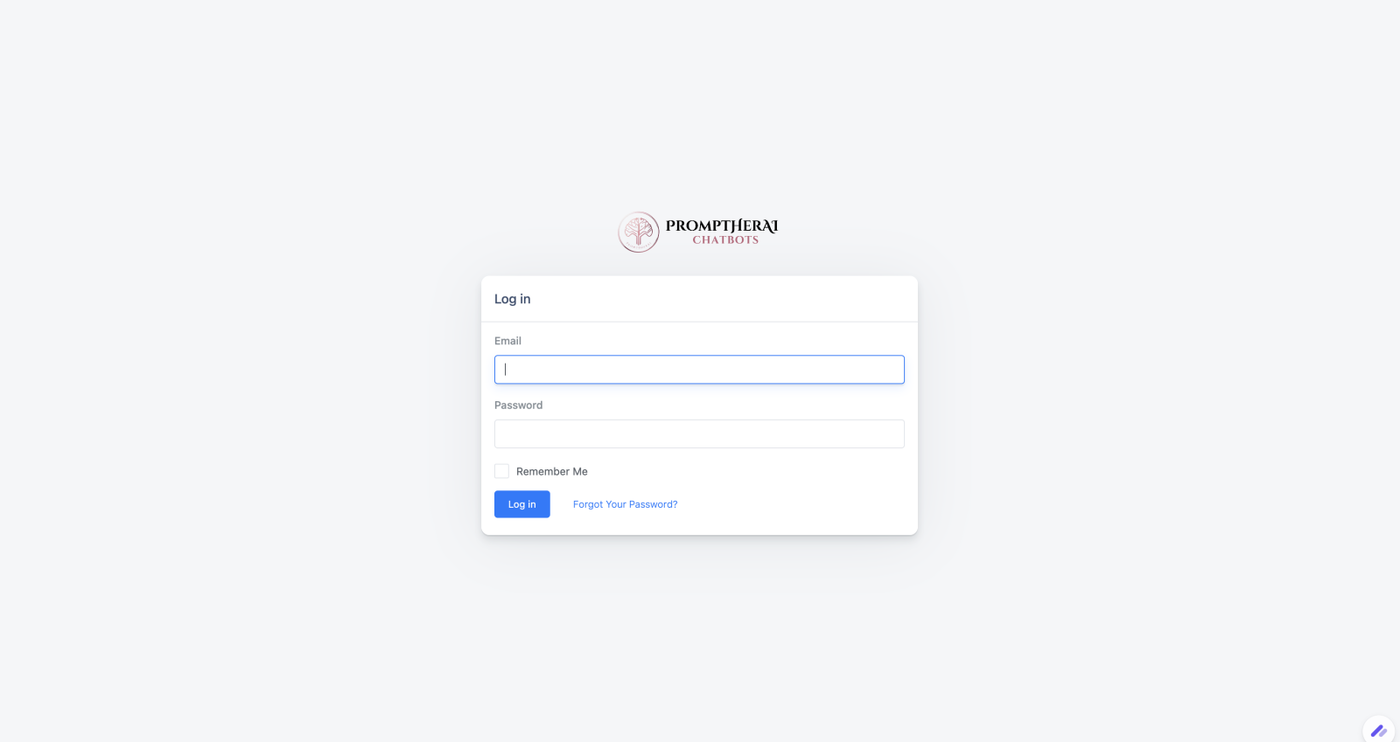
Welcome to PromptHerAI! Follow these simple steps to log in to your account.
How to Log In:
-
Go to the Login Page
Click this link to access the login page: PromptHerAI Login. -
Enter Your Credentials
- Input your email address and password that you used during sign-up.
- If you have enabled two-factor authentication (2FA), enter the verification code sent to your device.
-
Click "Log In"
- Once you've entered your credentials, click the Log In button to access your dashboard.
Troubleshooting Login Issues:
-
Forgot Password?
Click on the "Forgot Password?" link on the login page and follow the instructions to reset your password. -
Didn't Receive a Verification Email?
Check your spam/junk folder. If you still don’t see it, try resending the verification email from the login page. -
Still Having Trouble?
If you're unable to log in, contact our support team for assistance.
🚀 Start using PromptHerAI today! If you're new, sign up and explore how AI can enhance your business.
Would you like any branding or additional details added?